
A repeat lock order can carry an old part number while the product, packaging, application, or production assumptions have changed. That is why a reorder should start with a controlled comparison, not a copy of the last email.
This repeat lock order change-control checklist helps procurement, engineering, and QA teams identify what is unchanged, what has moved, who must review the difference, and what evidence is needed before production begins. It applies to B2B cabinet, drawer, mailbox, locker, and enclosure lock programs.
Quick Answer
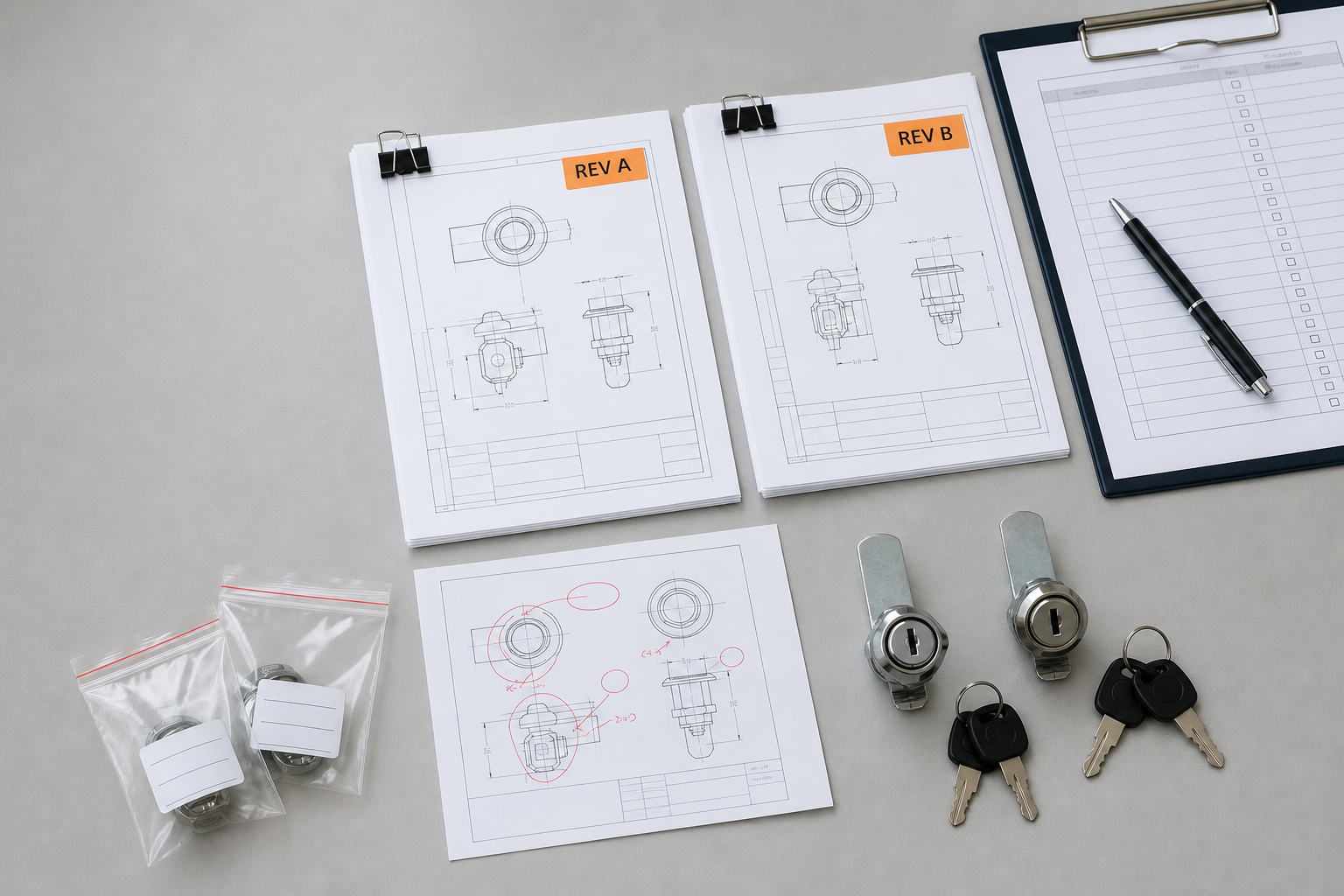
Before releasing a repeat lock order, compare the new purchase request with the last approved baseline. Check the product and drawing reference, application interfaces, keying plan, finish, markings, packaging, quantity, destination, and acceptance documents. Record every difference in one change log, assign an owner, and choose a clear disposition: accept without further evidence, request documents, request a sample, revise the order, or hold.
A repeat lock order is not automatically an unchanged order. The purpose of the review is to make differences visible before they enter production.
When to Use This Checklist
Use this repeat lock order checklist when reordering an existing configuration, moving an approved configuration into a new cabinet or enclosure, changing packaging or destination requirements, resuming a dormant program, or responding to a supplier-proposed change. It is also useful when a familiar sales part number does not fully identify the approved configuration.
This is a buyer-side change-control tool, not a universal quality standard. Contract requirements, regulated applications, or customer-specific approval processes may require a separate qualified review.
Start with the Last Approved Baseline
Gather the records that defined the last accepted order. Do not assume that the newest file in an email thread is the approved file.
| Baseline item | What to identify | Why it belongs in the comparison |
|---|---|---|
| Product reference | Buyer part number, supplier reference, and product family | Connects the reorder to the intended configuration |
| Drawing or specification | Approved revision, date, and file owner | Defines the controlled dimensional and configuration baseline |
| Approved sample record | Sample ID, approval date, and recorded exceptions | Preserves the physical or visual reference without replacing the drawing |
| Application reference | Cabinet, drawer, mailbox, locker, or enclosure model | Reveals whether the lock is entering a changed assembly |
| Keying and labeling plan | Approved system type, group references, quantities, and non-sensitive labels | Prevents an old commercial description from controlling a changed schedule |
| Finish and appearance reference | Approved finish description, reference sample, and visible-area criteria | Separates an agreed variation from an unintended mismatch |
| Packaging and artwork | Pack quantity, labels, barcode data, carton marks, and file revisions | Protects downstream receiving and assembly |
| Acceptance records | Inspection checklist, required reports, and release owner | Shows how the repeat order will be accepted |
If the baseline is incomplete, treat the missing item as an open question. Reconstructing an approval from memory creates a new uncontrolled version.
Run a Delta Review
For a repeat lock order, a delta review asks one question for every controlled area: is the new order the same as the approved baseline? Use the table below to record the answer and the next action.
| Review area | Compare | If different or unknown |
|---|---|---|
| Lock configuration | Body, cylinder, cam or bolt reference, rotation, and included components | Request the current controlled specification and assess whether a new sample or fit review is needed |
| Assembly interface | Panel or door construction, mounting interface, keeper position, and available clearance | Route the change to the application owner before production release |
| Keying plan | System type, groups, quantities, labels, and authorized records | Issue a revised controlled schedule; do not place sensitive keying data in the general change log |
| Material or finish requirement | Approved description, appearance reference, use environment, and required evidence | Define the affected evidence and approval owner instead of accepting the word “equivalent” alone |
| Marking and private label | Logo, labels, buyer part number, barcode, instructions, and artwork revision | Obtain a controlled proof or sample as appropriate |
| Packaging | Unit pack, key pack, accessories, protection, carton quantity, and shipping marks | Update the packaging specification and receiving data |
| Order and destination | Quantity, delivery split, destination market, customer program, and downstream assembly date | Recheck documents, labels, capacity assumptions, and project timing |
| Supplier-proposed change | Current state, proposed state, reason, affected orders, and first affected lot | Request supporting evidence and written disposition before the changed state enters the order |
Formal supplier manuals use the same general principle at a larger scale. Rockwell Automation’s 2025 Supplier Quality Manual requires written notification and approval for defined changes to design, materials, process, site, tooling, packaging, and related areas. HARMAN’s Supplier Quality Manual lists information such as affected products, the change, reason, implementation date, anticipated impact, qualification information, samples, and the last date for unchanged product where applicable.
Those manuals govern their own supply chains; they are not requirements for every lock order. They support a practical buyer principle: define notification triggers and decision ownership before a change reaches production.
Copy-and-Use Change Record
Keep one row for each difference in the repeat lock order. Do not hide several changes inside one general note.
| Field | Entry |
|---|---|
| Change record ID | Unique internal reference |
| Project and purchase order | Buyer program, PO, SKU, and quantity |
| Approved baseline | Part number, drawing/specification revision, sample ID, and approval date |
| Affected area | Product, interface, keying, finish, marking, packaging, documents, process, or delivery |
| Current condition | What the approved baseline states |
| Proposed condition | What the new order or supplier proposes |
| Reason | Buyer change, correction, availability, process, supplier proposal, or other stated cause |
| Affected scope | Orders, SKUs, sites, destinations, inventory, or lots |
| Evidence requested | Updated document, marked drawing, proof, sample, test record, or no additional evidence |
| Owner and due date | Responsible role and decision date |
| Disposition | Accept, accept with conditions, revise, request sample/evidence, reject, or hold |
| Effective boundary | First affected PO, shipment, lot, date, or other traceable breakpoint |
| Closure | Approver, date, linked files, and remaining actions |
For a spreadsheet, start with this column order:
Change ID | Project | PO | Buyer SKU | Supplier Reference | Approved Revision | Sample ID | Affected Area | Current Condition | Proposed Condition | Reason | Affected Scope | Evidence Requested | Owner | Due Date | Disposition | Effective Boundary | Approver | Approval Date | Linked Files | Open Actions
Choose a Clear Decision State
| Decision | Meaning | Next action |
|---|---|---|
| Unchanged | The new order matches the approved baseline for the reviewed area | Link the baseline and continue the normal order review |
| Accept with documents | The difference is understood and can be controlled through approved records | Release only after the named files are approved |
| Sample or focused review required | The difference affects an interface, appearance, function, or another buyer-defined risk | Define the review method and hold the affected release |
| Revise the order | The PO, specification, artwork, or schedule does not describe the intended configuration | Issue the controlled revision before production |
| Reject | The proposed state does not meet the approved requirement | Keep the approved state or request another proposal |
| Hold | Required information or authority is missing | Assign the open item and do not treat silence as approval |
A Seven-Step Repeat Lock Order Workflow
- Identify the last accepted order. Record its PO, product reference, drawing or specification revision, sample reference, and acceptance documents.
- Build the new-order packet. Collect the new PO, quantity, destination, requested delivery, application, keying, artwork, and packaging inputs.
- Compare line by line. Mark each controlled area as unchanged, changed, or unknown.
- Open one record per difference. State the current and proposed conditions in plain language.
- Assign the review. Route application changes to engineering, acceptance changes to QA, commercial changes to procurement, and brand files to their authorized owner.
- Record the disposition and effective boundary. State which version may enter which order, shipment, or lot.
- Update downstream controls. Align the PO, approved files, inspection checklist, receiving data, replacement references, and future reorder record.
How Change Control Connects to Quality Control
Change control decides which version is authorized. Quality control checks whether the delivered order matches that version. A shipment inspection cannot resolve an unclear approval history after production is complete.
Use the lock quality control checklist to build the acceptance plan. Use the supplier-document guide to identify supporting records, and review MOQ and lead-time factors when a change may affect commercial or scheduling assumptions.
Common Repeat-Order Mistakes
- Copying the old PO without checking the application. The cabinet, panel, keeper, or packaging line may have changed even when the lock reference did not.
- Using “same as last time” as the specification. Name the controlled reference and revision.
- Accepting “equivalent” without a before-and-after description. Ask which characteristic, evidence, order, and effective boundary are affected.
- Mixing approval with discussion. A chat acknowledgement is not a disposition unless the organization has defined it as one.
- Updating the drawing but not the PO or inspection checklist. Every downstream record should point to the same approved state.
- Leaving open issues without an owner. Give each hold a responsible role and due date.
- Placing sensitive keying data in the general log. Use non-sensitive group references and keep controlled technical records separate.
Prepare a Repeat-Order Review
When asking WELLHW to review a repeat lock order or a revised configuration, send the previous product and PO reference, the current drawing or specification revision, application, quantity, destination, keying-plan reference, finish requirement, artwork and packaging files, and a list of known changes. Final feasibility, evidence, MOQ, and timing depend on the exact approved configuration and requested revision.
Review the WELLHW manufacturer profile for company context, then contact WELLHW with the files your team is authorized to share.
FAQ
Does every repeat lock order need a new sample?
No universal rule applies. Start with the delta review. If the approved configuration, application, finish, keying, packaging, and acceptance basis are unchanged and documented, the project owner may decide that no new sample is needed. A changed or unknown interface, appearance, function, or requirement may justify focused evidence or a new sample.
Who should approve a repeat-order change?
Assign approval according to the affected area. Engineering normally owns application and configuration decisions, QA owns acceptance evidence, procurement owns commercial terms, and the authorized brand owner controls artwork. Your organization may combine roles, but the responsibility should be recorded.
What if the supplier says the change is equivalent?
Ask for the current and proposed states, reason, affected scope, implementation boundary, and supporting evidence. “Equivalent” is a conclusion; the change record should show what the buyer reviewed before accepting that conclusion.
Should the change log include key codes?
Do not place key cuts, bitting, or other sensitive technical access data in an ordinary shared log. Use a non-sensitive schedule or group reference and store any required technical record separately with authorized access.
What is the difference between a change record and an inspection checklist?
The change record establishes the authorized version and open decisions. The inspection checklist defines how the order will be checked against that version. Keep them linked but do not treat them as interchangeable.
