
Application / Office furniture
Browse drawer and cabinet lock references for desks, pedestals and storage furniture. Start with a catalog item, then request the documents needed for your project review.
Opens your email app so you can write and send the inquiry. Or copy this address: Andrew@WellHw.com.
For furniture manufacturers, sourcing teams and authorized service programs.
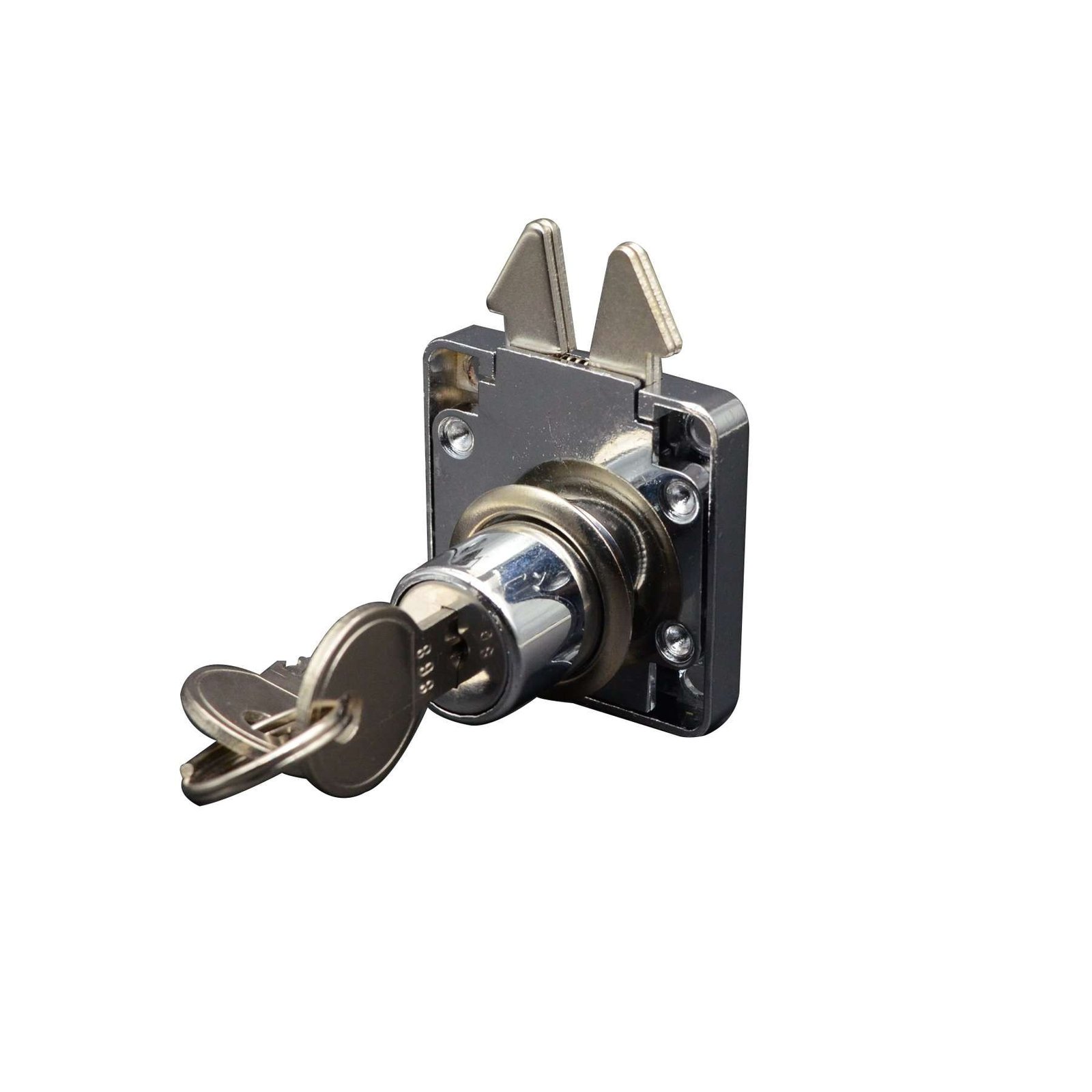
Drawer lock reference · Open product reference
01 / Model references
These existing WELLHW listings give your inquiry a clear product reference. They are starting points for review, not confirmation that a model fits your furniture.
For a selected item, ask for its current drawing and specification. Do not transfer a value from another listing to fill a missing field.
02 / Furniture applications
Identify the desk or pedestal model and the drawers included. Add the current lock reference and available assembly drawing.
Identify the cabinet family and the doors included. Send the available door drawing and your requested appearance and access requirements.
Include the furniture model, existing part number and earlier order reference. Request review of a proposed alternative before adding it to your approved service-part list.
03 / Inquiry worksheet
Use the fields below to compare replies against the same request. The worksheet records buyer requirements; it does not state WELLHW product specifications or agreed terms.
| Field | What to include |
|---|---|
| Furniture & item reference | Furniture model, project scope, current part number or candidate product name and link. State whether the project is new production, an update or authorized service. |
| Drawing & fit questions | Available panel or assembly drawing, with its revision. Mark the panel, hole, mounting and clearance fields your team needs to confirm. Leave unknown values open. |
| Requested options | Requested finish, appearance, packing and access arrangement. Ask which requests are available for this exact item; separate requests from confirmed scope. |
| Quantity & commercial scope | Initial requested quantity and any repeat-order estimate. Ask for price, minimum quantity, timing, exclusions and quotation validity in writing. |
| Review documents & owner | Documents needed for your selection decision and the person responsible. Keep the item reference, drawing revision and open questions together. |
Only have a photo? Include it and identify the missing documents. Share drawings you are authorized to disclose. Keep actual key codes and sensitive access information out of a broadly shared inquiry.
Use your email app to attach the drawing or photo and send your message. Or copy this address: Andrew@WellHw.com.
04 / Review & next step
Keep the exact item reference and document revision with the quotation. List any requested options that remain unanswered.
Have the responsible people review the proposed item and supporting documents. Record the decision and any open questions before an order.
Save the agreed scope with the selected item and revision. Link later changes and reorder questions to that record.
Send the furniture application, catalog reference, requested quantity and available drawing or photo. State the question you want to resolve first. Availability and any commitments need individual confirmation.
Opens your email app so you can write and send the inquiry. Or copy this address: Andrew@WellHw.com.

WELLHW product catalog and project inquiries. Browse product references and include your requirements when requesting details.
Add: Qiu Ai Town, Yinzhou District, Ningbo City
© Copyright 2026 Well HardWare All Rights Reserved.


